

HIPAA Checklist for Private Practice Software and Workflows
A HIPAA checklist for private practice starts with a written risk analysis, then works through business associate agreements, access controls, devices, email and texting, telehealth, website tracking, breach response and records. Software helps with several items, but no product makes a practice compliant on its own.
A HIPAA checklist for private practice begins with a documented risk analysis and continues through business associate agreements, access controls, devices, communication, telehealth, website tracking, breach response and record retention. Software can make several of these easier, but HIPAA compliance belongs to the practice, not to a product.
This is a practical checklist for small therapy, counseling and psychology practices. It is not legal advice; use it to organize a review with a qualified compliance advisor.
First: are you a covered entity?
HIPAA applies to health care providers who conduct certain standard transactions electronically, such as submitting claims or checking eligibility (HHS: covered entities). An in-network therapist is almost always covered. A purely cash-pay practice that never transmits those transactions may not be, though many follow HIPAA anyway as the professional standard, and state privacy laws can apply regardless.
If you are covered, the Privacy Rule, Security Rule and Breach Notification Rule all apply. The checklist below follows that structure.
The HIPAA checklist for private practice
1. Risk analysis and risk management
- Complete a written security risk analysis covering every system that holds client information: practice software, email, phones, laptops, backups and paper.
- Record the risks you found and what you are doing about each.
- Repeat it when you change systems and at least periodically.
The Security Rule requires an accurate and thorough risk analysis (HHS guidance on risk analysis). HHS and the Office of the National Coordinator offer a free Security Risk Assessment tool for small practices.
2. Business associate agreements
- List every vendor that creates, receives, stores or transmits client information for you: practice software, email, telehealth video, cloud storage, billing service, answering service.
- Get a signed business associate agreement from each one (HHS: business associates).
- Keep the signed BAAs on file.
A vendor that will not sign a BAA should not hold client information. This is the item most often missed with "free" tools.
3. Access controls
- Each person who uses a system with client information has their own login.
- Passwords are strong and not shared; turn on two-factor authentication where offered.
- Sessions sign out automatically after inactivity.
- Each role sees only what it needs (the minimum necessary standard).
- Remove access promptly when someone leaves.
4. Devices
- Laptops and phones are encrypted and locked with a passcode.
- Devices can be wiped remotely if lost.
- Client information is not kept on personal USB drives or downloads folders.
- Operating systems and browsers are kept up to date.
5. Email and texting
- Your email provider has signed a BAA if client information goes through email.
- Appointment reminders say when and where, not why.
- Clients who prefer unencrypted email or text have been told the risk and agreed, and you have recorded it.
6. Telehealth
- Your video platform signs a BAA.
- You confirm the client's location and an emergency contact at the start of each session.
- Telehealth consent is signed before the first video session.
- You are licensed where the client is located during the session.
The HHS telehealth guidance for providers covers privacy and policy basics. The temporary enforcement discretion for non-compliant video tools during the COVID-19 public health emergency has ended, so consumer video apps without a BAA are no longer covered by it.
7. Your website and marketing
- Review tracking pixels and analytics on any page where clients log in, book or fill in forms.
- Do not send client information to advertising platforms without proper authorization and agreements.
- Testimonials from clients require written permission.
HHS has issued guidance on online tracking technologies on regulated entities' websites; part of it was vacated by a federal court in 2024, so get current advice before relying on any reading of it (HHS: online tracking).
8. Notice of Privacy Practices
- Your Notice of Privacy Practices is current, posted on your website and given to every new client.
- You make a good-faith effort to get a signed acknowledgment (HHS).
9. Client rights
- You have a process to respond to requests for access to records within the required time.
- You can provide records in the form requested where readily producible (HHS: right of access).
- You handle requests to amend records and accounting of disclosures.
Psychotherapy notes kept separately from the rest of the record have additional protections; know which of your notes qualify.
10. Breach response
- You have a written plan for suspected breaches: who investigates, how you assess risk, and who you notify.
- You know the notification deadlines: affected individuals without unreasonable delay and no later than 60 days after discovery, plus HHS and sometimes media (HHS: breach notification).
- You keep a log of incidents, including ones you decide are not breaches.
11. Policies, training and documentation
- Written privacy and security policies.
- Training for everyone who touches client information, including contractors, when they start and periodically.
- HIPAA documentation such as policies and risk analyses is retained for six years.
- Client records are retained as long as your state and profession require, which is often longer.
See it with your own practice
Prexella runs booking, superbills, the client portal and marketing in one system on your own domain. A live demo takes 30 minutes.
Gaps that come up most often in small practices
The same few gaps come up again and again in small-practice reviews:
- No written risk analysis. Policies exist in someone's head but nothing is documented.
- Missing BAAs. A free email account, a consumer video app or a cloud drive holds client information without an agreement.
- Shared logins. One password used by the clinician and an assistant, so there is no record of who did what.
- Unencrypted laptops that leave the office.
- Forms by email. Intake packets and signed consents traveling as email attachments.
- No breach log. Small incidents, such as a misdirected email, are handled informally and never recorded.
Each is fixable in an afternoon, and fixing them is most of the value of a first HIPAA review.
A yearly HIPAA calendar
| Month | Task |
|---|---|
| January | Update the risk analysis; review the vendor and BAA list |
| March | Staff and contractor training refresher |
| May | Test device encryption, remote wipe and backups |
| July | Review user access; remove anyone who no longer needs it |
| September | Review Notice of Privacy Practices and intake consents |
| November | Review the incident log and breach response plan |
Spread across the year, none of these takes more than an hour or two in a small practice.
Choosing software with the checklist in mind
Most items above involve your practice software. Whether you are comparing therapy practice management software, therapist practice management software, or broader healthcare practice management software, ask each vendor the same questions:
| Question | Why it matters |
|---|---|
| Will you sign a BAA? | Required before client information goes in |
| Does every user get an individual login? | Access control and audit |
| Do sessions time out automatically? | Unattended screens |
| How are uploaded documents stored and shared? | Public links are a common leak |
| Can roles be limited to the minimum necessary? | Billers and front desk see less |
| Is there an audit trail for signatures and changes? | Evidence if questioned |
| Can I export all records if I leave? | Retention and right of access |
The same questions apply to medical practice management software, doctor practice management software, clinic management software and patient management software in larger practices; the stakes and the number of users are simply higher.
Where Prexella helps, and where it does not
Prexella is built for private-pay practices and includes several safeguards relevant to this checklist. It does not make a practice HIPAA compliant, and you should review it with your advisor like any other system.
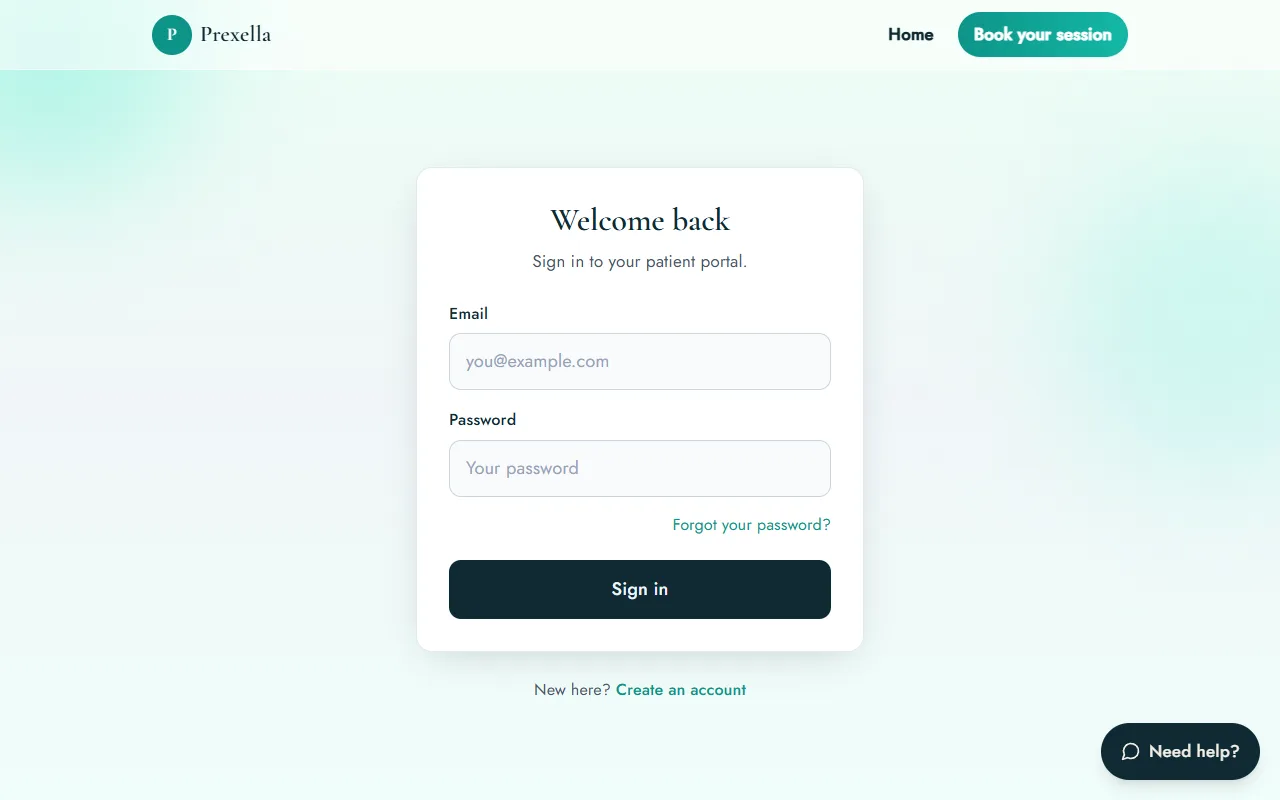
- Automatic sign-out. The client portal signs clients out after 10 minutes of inactivity, with a warning first.
- Private document storage. Documents clients upload in the portal are stored in private storage and shared through signed links that expire after an hour, not public URLs.
- Minimum necessary for billers. The separate billing-team portal shows billers only the claim itself, not notes, messages or forms, and notification emails carry the claim number only.
- E-signature audit trail. Signed forms record the consent statement, typed name, drawn signature, timestamp, IP address and browser (electronic signatures).
- Telehealth visit type. Every booking records whether it is telehealth or in person, and clients get the video link for your own BAA-covered video platform (telehealth).
Ask about Prexella's business associate agreement and sub-processors on your demo call, and include the answers in your risk analysis. For the intake side of compliance, see the therapy intake form checklist.
Free therapist intake form template
A ready-to-use intake packet: demographics, insurance, history, consent to treat, telehealth consent, privacy acknowledgment and cancellation policy.
If you find a gap
Most first reviews find something. What matters is what you do next:
- Write it down. Add the gap to your risk analysis with a date.
- Decide the fix and the deadline. A missing BAA might take a week; a new device policy might take a month.
- Fix the highest risks first. Anything that exposes client information right now, such as a shared login or an unprotected laptop, comes before paperwork.
- Check whether anything has already gone wrong. If the gap may have led to unauthorized access, follow your breach assessment process.
- Record the fix. Your documentation is your evidence that the practice takes its obligations seriously.
The bottom line
A HIPAA checklist for private practice is mostly about knowing where client information lives and who can reach it: a written risk analysis, BAAs with every vendor, individual access, secure devices and communication, careful telehealth and website practices, a breach plan, and documented policies. Work through it once a year and whenever you change systems. If you are choosing new software, see how Prexella's client portal handles sign-in, documents and signatures, or read how therapists and social workers use it day to day.
Run your practice from one screen
Booking, superbills, the client portal and marketing on your own domain. See it in a free, one-on-one demo.